
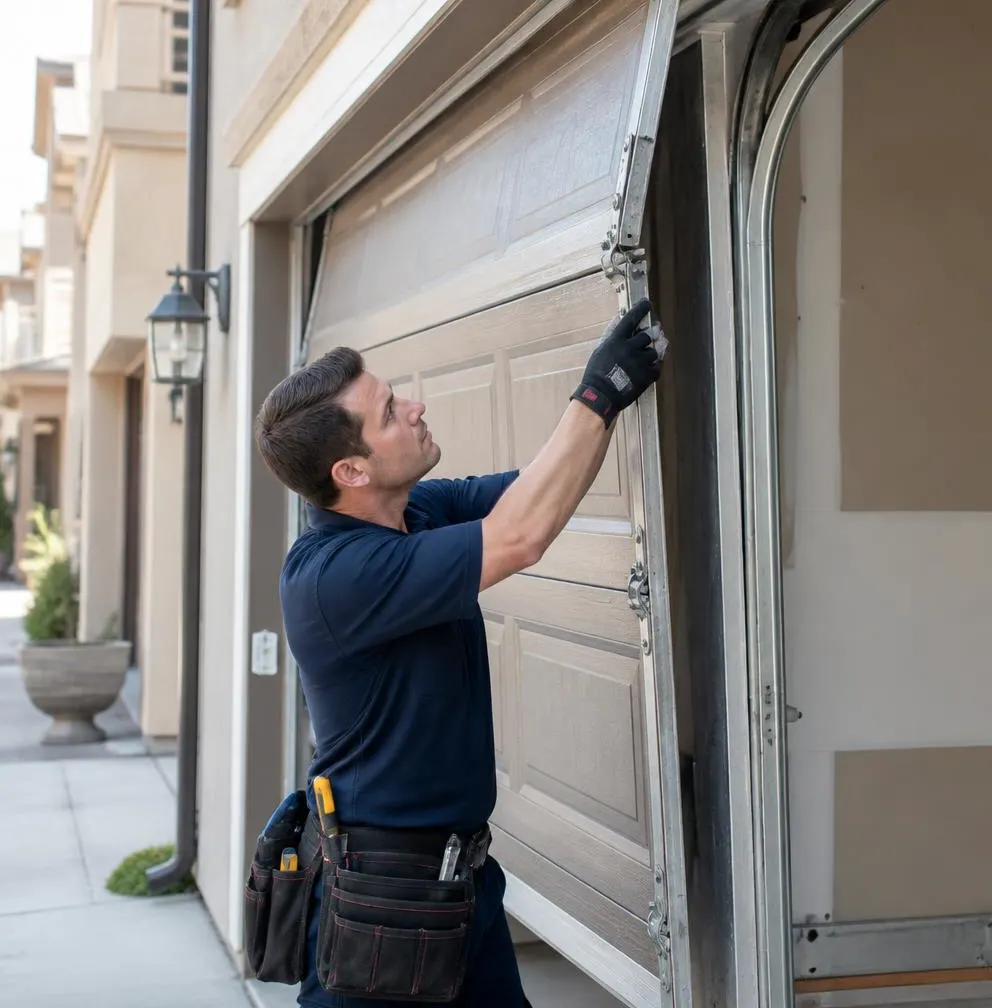
What We See on a Typical Service Call
A homeowner calls because a garage door remote fell out of a truck somewhere between Broken Arrow and Bixby, or a keypad has four worn-smooth buttons and nobody remembers the code. Sometimes it's a family that just bought a house and found three old remotes in a kitchen drawer, with no idea whether the previous owners, a dog walker, or a contractor still has working access. Oklahoma weather plays a role too: a hard summer storm knocks out power for a few hours, the opener's memory gets wiped, and suddenly none of the remotes work at all. Dust and pollen from dry, windy stretches also build up under keypad buttons until they stick or stop registering presses. None of these are complicated fixes, but they do call for a clear process.
Tools You'll Need
- A step ladder tall enough to reach the opener motor unit safely
- Your garage door opener's brand and model number (usually on a sticker on the motor housing)
- The remote(s) and/or keypad you want to program
- A small screwdriver if your keypad or remote needs a fresh battery
- Your opener's manual, or the manufacturer's support page pulled up on your phone
What Homeowners Can Typically Do Themselves
On almost any opener made in the last 20 years, programming a remote or keypad is a homeowner-level task. Here's the general process, though button names and sequences vary slightly by brand (Chamberlain, LiftMaster, Genie, and Craftsman each have their own layout):
- Locate the Learn button. It's usually a small, colored button on the back or side of the motor unit, near the antenna wire.
- Press and release the Learn button. An indicator light near the button will usually start blinking, giving you about 30 seconds to complete the next step.
- Press and hold the button on the new remote you want to add, until the opener light blinks or you hear a click from the motor, confirming it's been learned.
- Test the remote from inside the garage first, then from the driveway, to confirm range and function.
- To program a keypad, press the Learn button, then within 30 seconds enter a 4-digit PIN of your choosing on the keypad and press Enter (or the button your model specifies). Test it before closing the garage.
- To change an existing keypad code, most models let you press the Learn button, then re-enter a new PIN the same way you'd add one; the old code is overwritten.
When a Remote Is Lost or Stolen
This is where a lot of homeowners stop short, and it's the step that actually matters for security. A single missing remote means someone else may have a working way into your garage, and from there, often a door into the house.
- Clear all codes from the opener's memory. Most openers have this built in: press and hold the Learn button for about 6–10 seconds until the indicator light flashes, signaling the memory has been wiped.
- Re-program every remote and keypad you actually want to keep working, using the steps above. This means every car remote, visor clicker, and keypad in use.
- Change the keypad PIN to something new, not the old code, even if you're not sure the lost remote had keypad access.
- If your opener has smartphone app control, log out of old sessions and remove any devices you no longer recognize from the connected app.
What Usually Needs a Technician
A few situations go beyond a quick reprogram:
- Openers older than roughly 2005 that use fixed-code (non-rolling-code) remotes. These are easier for someone to clone or intercept, and the fix is usually a full opener upgrade rather than reprogramming.
- A Learn button that doesn't respond, or an indicator light that won't blink during programming, which often points to a failing logic board, sometimes from a power surge during a storm.
- Keypads that are physically worn out or weather-damaged, with buttons that stick from dust or crack from UV and heat exposure over a few Oklahoma summers.
- Multi-unit properties or small businesses where you need several keypads with different access levels, or need old codes removed without affecting current tenants or staff.
- Integrating a new opener with smart home systems, security cameras, or a vehicle's built-in garage door button, where mismatched protocols can cause the programming to fail silently.
If you've gone through a full memory reset and still can't get a remote or keypad to pair, that's usually a hardware problem, not a user error, and it's not worth repeatedly draining batteries or guessing at button sequences.
When to Call Precision Garage Door of Broken Arrow
If your opener won't accept new codes, the Learn button seems dead, or you suspect a storm-related power surge fried the logic board, it's time to call in a technician rather than keep troubleshooting. Our Garage Door Opener Repair & Installation service covers everything from re-pairing stubborn remotes to replacing an opener that's no longer safe to use with its outdated fixed-code system. We also fold keypad and remote checks into routine Garage Door Maintenance visits, so worn buttons and weak batteries get caught before they turn into a lockout at an inconvenient time.
If you're dealing with a lost remote, a dead keypad, or an opener that quit after the last round of storms, call Precision Garage Door of Broken Arrow. We serve Broken Arrow, Tulsa, Bixby, Owasso, Jenks, Coweta, Catoosa, and Wagoner, and we'll get your garage door access working correctly and securely again.